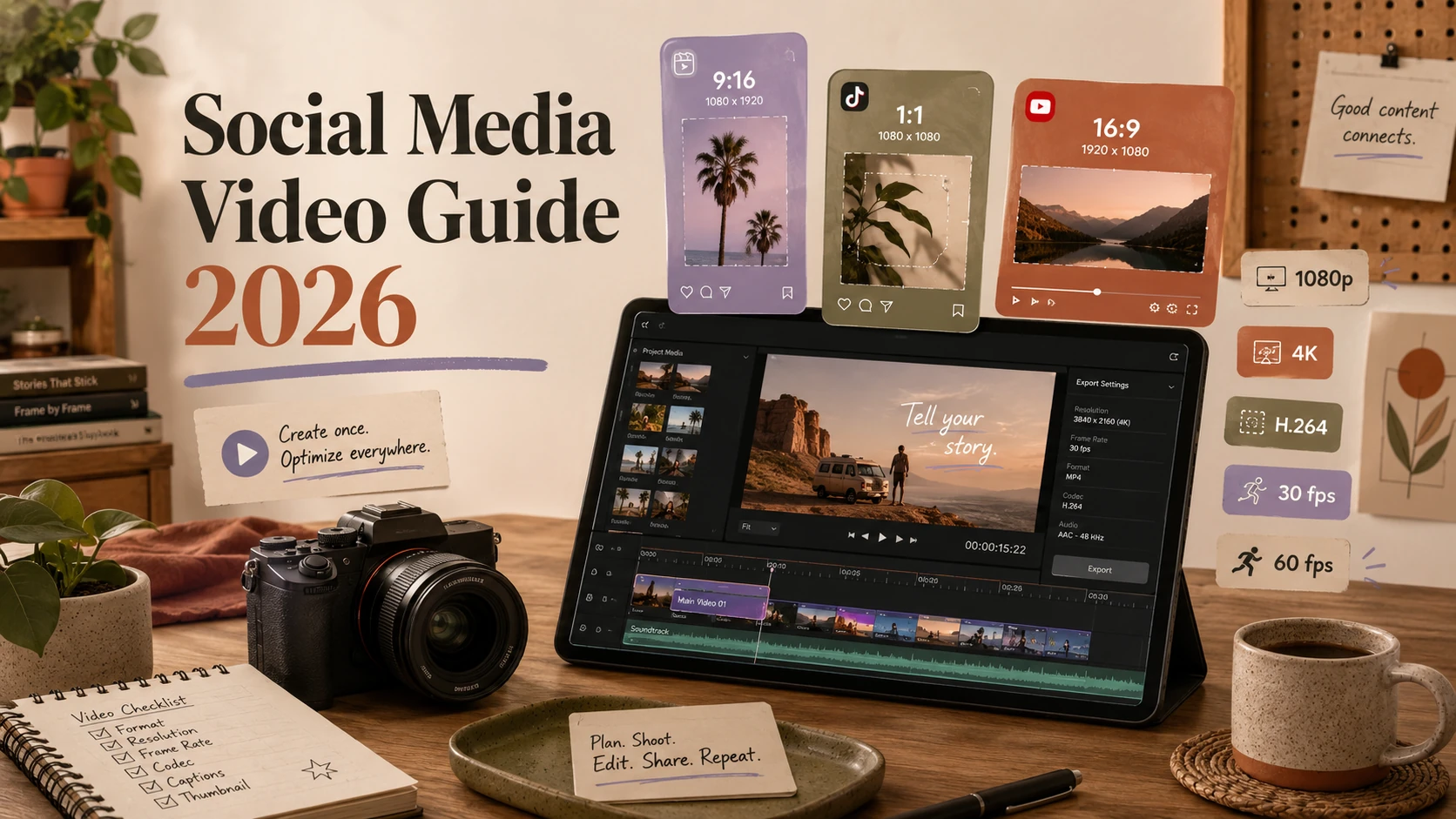
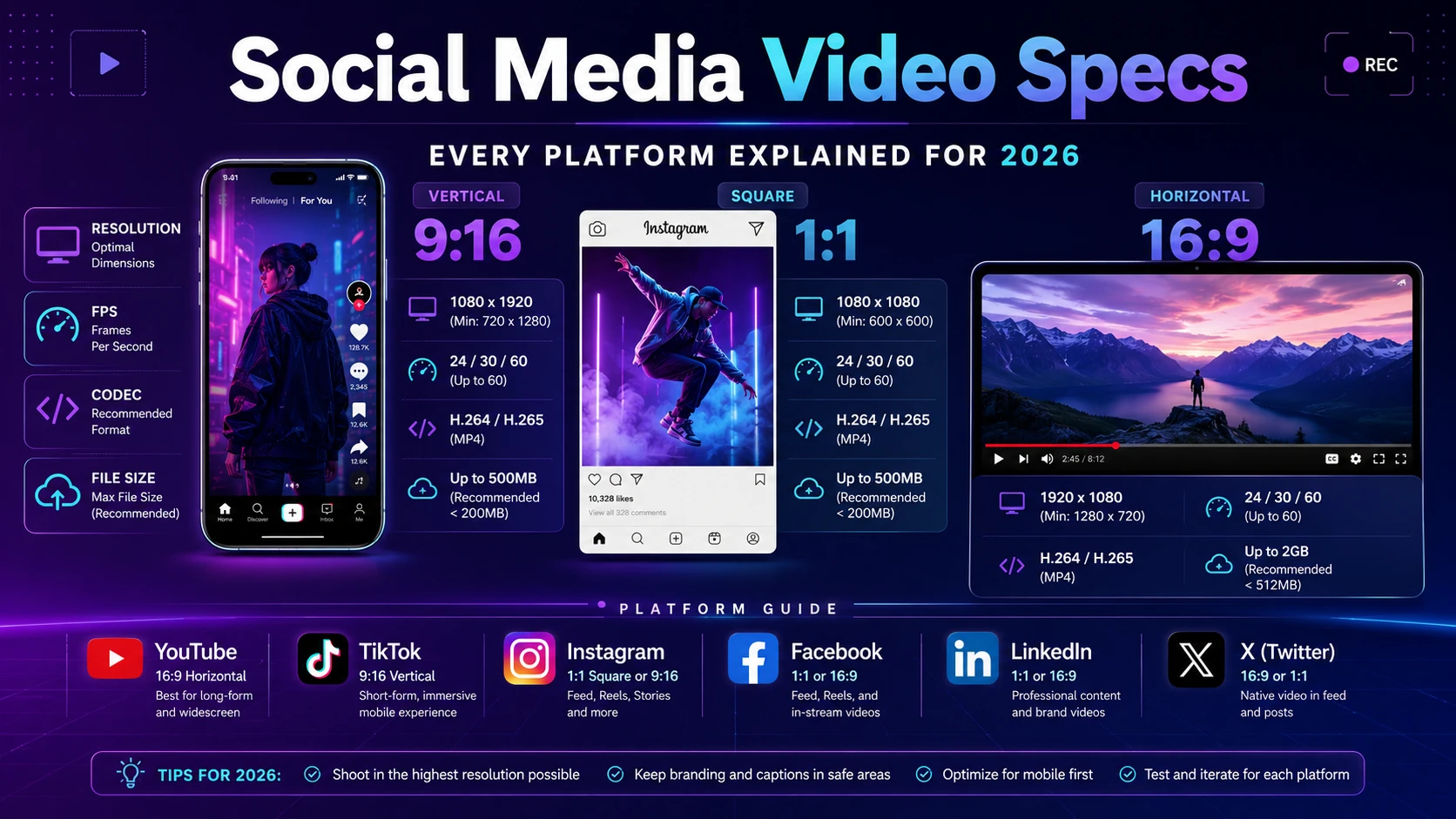
Video is now the dominant content format on every major social platform. But each platform has its own rules — different aspect ratios, file size limits, codec requirements, and maximum durations. Get these wrong and your video gets rejected, compressed into a blurry mess, or wrapped in black bars. This guide covers everything you need to know for 2026.
Key Video Specs to Understand
Before diving into platform-by-platform specs, here are the key terms you'll see throughout this guide:
Resolution — the pixel dimensions of your video (e.g. 1920×1080). Higher is sharper, but large files take longer to upload and process.
Aspect Ratio — the width-to-height ratio (e.g. 16:9 for landscape, 9:16 for vertical). This determines how the video fills the screen.
Frame Rate — how many frames per second (fps). 24fps looks cinematic, 30fps is standard, 60fps is smooth for action.
Codec — the compression format. H.264 (MP4) is universally accepted. H.265 (HEVC) offers better quality at smaller sizes but isn't accepted everywhere.
Bitrate — how much data per second. Higher bitrate = better quality, larger file.
Max File Size — the platform's upload limit. This is often the binding constraint for long videos.
YouTube supports the widest range of formats of any platform and handles transcoding well — it will process almost anything you upload. That said, uploading in H.264 at the target resolution saves time and ensures the best quality during YouTube's processing.
YouTube tipUpload at native 4K even if your content is 1080p — YouTube applies a higher-quality codec (VP9) to 4K uploads, which results in a sharper 1080p stream than uploading at 1080p directly.
TikTok is built around vertical 9:16 video. Horizontal and square videos work but are displayed with blurred side bars — vertical always performs better. TikTok's compression is aggressive, so export your video at the highest quality setting before uploading.
Instagram has several different video formats — Reels, Stories, and feed videos — each with different constraints. Reels is Instagram's primary discovery surface, so it's worth optimizing for it specifically.
Video Type
Resolution
Aspect Ratio
Max Duration
Max File Size
Notes
Reels
1080×1920
9:16
3 min (in-app) / 20 min (upload)
4 GB
UI safe zone: leave 14% top/bottom
Feed Video
1080×1080
1:1
60 minutes
4 GB
Also supports 4:5 portrait
Story Video
1080×1920
9:16
60 seconds
4 GB
Per clip; can chain clips
Live Video
1080×1920
9:16
4 hours
—
Reels tipThe bottom 35% of a Reel is covered by the caption, audio bar, and action buttons. Keep your most important visuals in the top half of the frame.
LinkedIn video skews toward professional content — product demos, talks, and thought leadership. Square (1:1) and portrait (4:5) formats perform well in the LinkedIn feed because they take up more space without requiring the user to go full-screen.
Universal adviceExport in H.264 (MP4) at the highest quality your file size allows. It's the one codec accepted everywhere. Use AAC audio at 48kHz. For vertical video (9:16), plan your composition so the subject is centered — most platforms layer UI elements over the top and bottom 15% of the frame.